17 September 2026
Which WordPress updates are safe to leave
Core, plugins, and PHP are three different updates. Leaving the wrong one breaks a site, or lets someone in.
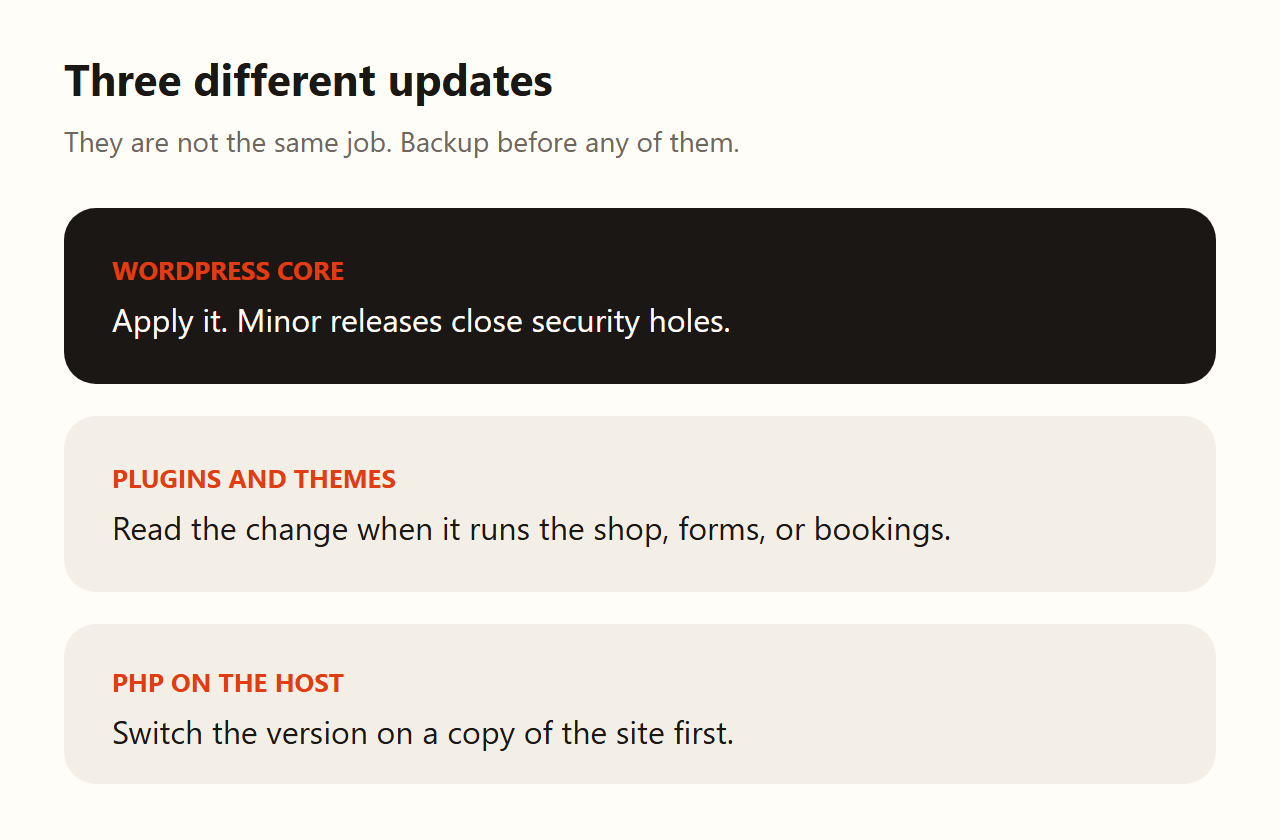
WordPress asks for updates in one list. They are not one job. Core, a plugin, and the PHP version on the host fail in different ways, and they are applied in different ways.
WordPress itself is the update to apply. A minor release closes security holes and rarely changes how a page looks. Take a backup, apply it, then click the homepage, a form, and the shop if there is one.
A plugin or a theme can change how a page works. Read what changed when that plugin runs the shop, the forms, or the bookings. If you have a copy of the site, update it there first. A plugin you no longer use should be deleted, not left sitting un-updated. Inactive code is still on the server.
PHP is the language WordPress runs on. The host chooses the version. A newer PHP is faster and closes older holes. An old theme can refuse to run on it. Switch the version on a copy of the site, click through the same pages, then switch the live site.
Leaving all three for a year is how a small hole becomes a hack. Applying all three on a Friday afternoon, with no backup, is how a booking form disappears for the weekend. Backup first. Then WordPress. Then the plugins that the business actually uses. Then PHP.
Need something in this line of work?
Tell me what you need. I reply by email.
Start a project